
Your own PayNow QR at checkout
Upload your QR once and it appears on the confirmation step for clients to scan.
Your QR, your bank account
Shown at checkout
Clients pay from their banking app

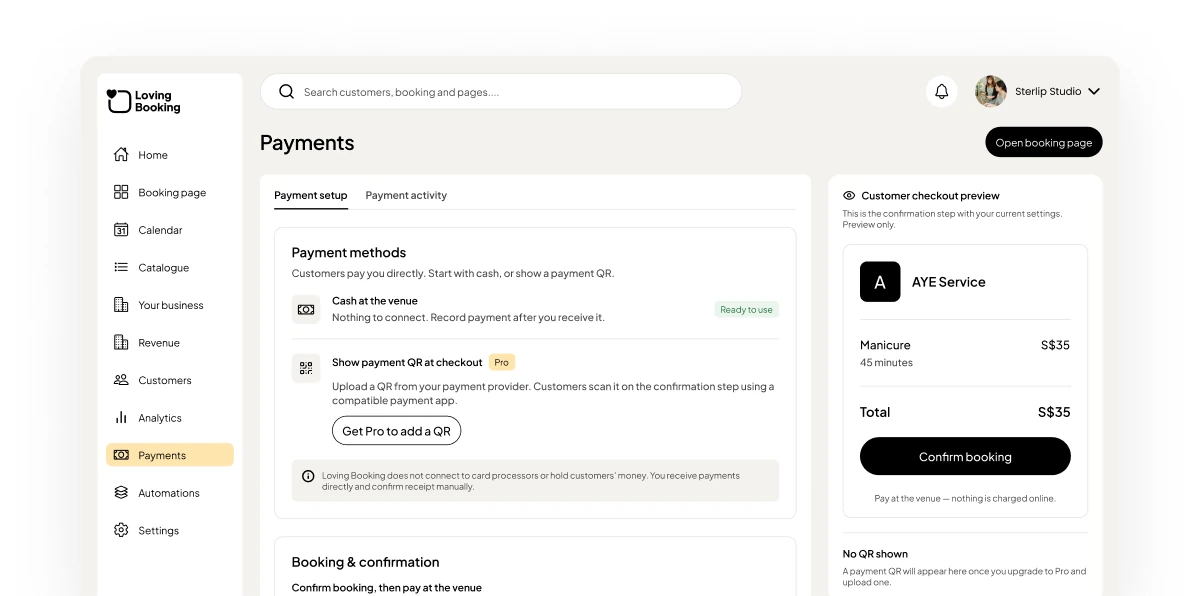
Show your own PayNow QR at checkout. Clients pay you bank-to-bank and you keep 100% of what you earn.
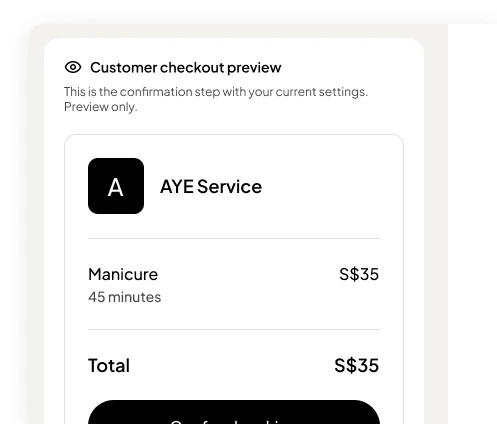
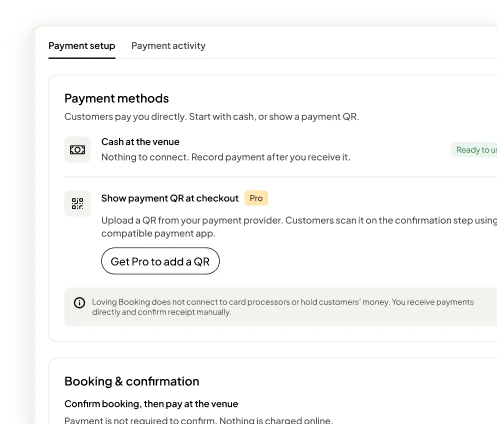
The Payments page in the LovingBooking console, with a business’s own PayNow QR as a client sees it when booking.
Upload your QR once and it appears on the confirmation step for clients to scan.
Clients can upload proof of payment. You check the money arrived and mark the booking as paid.
Not ready for QR payments? Clients can book now and pay you in person.
0%
Transaction fees
100%
Of every payment is yours
1
QR code to set up

Accept PayNow on your booking page with no transaction fee charged by LovingBooking. Step-by-step guide to asking for deposits or full payments in Singapore, with bank terms still applying.
6 min read ·

A practical guide to deciding whether to charge a booking deposit in Singapore — when it cuts no-shows, when it scares customers off, and how to set the right amount.
6 min read ·

Custom booking fields let you ask what you need before a customer arrives, and charges and taxes put GST or a service fee on the booking page and in every confirmation.
6 min read ·