Skip to content

Build and manage your online booking page

Add your services, style the page with your logo (and your own colours on Pro), set your policies and publish. Every tool you need is built into LovingBooking.

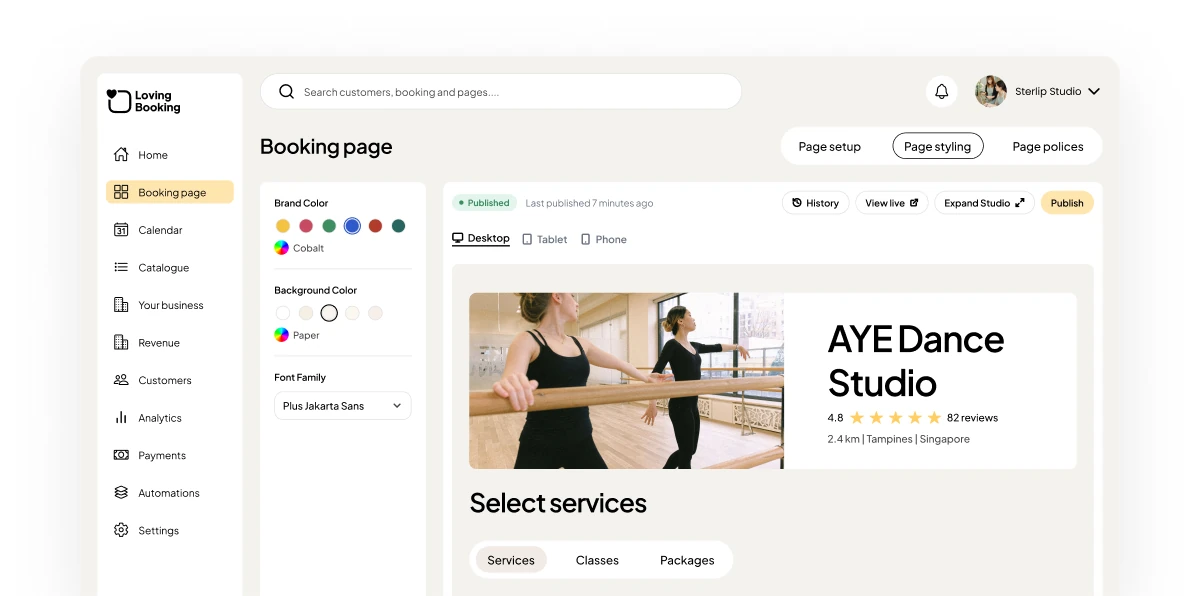
The Booking page Studio in the LovingBooking console, with a new-booking notice and a note that there are no transaction fees.

Why your own booking page matters

A page that looks like your business

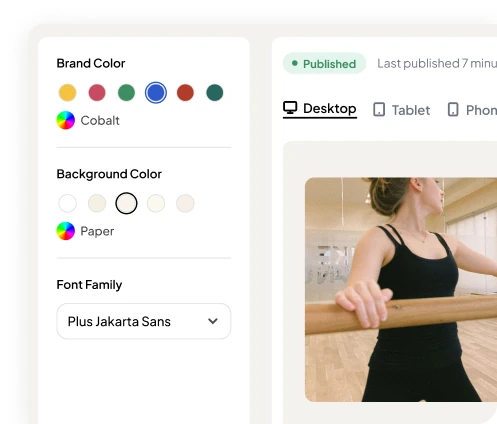
Upload your logo and cover photo and choose a theme. On Pro, set your own colours and connect your own domain.

  • Classic and Plain themes on every plan
  • Your own colours and themes on Pro
  • A custom booking domain on Pro

A service menu for clients to browse

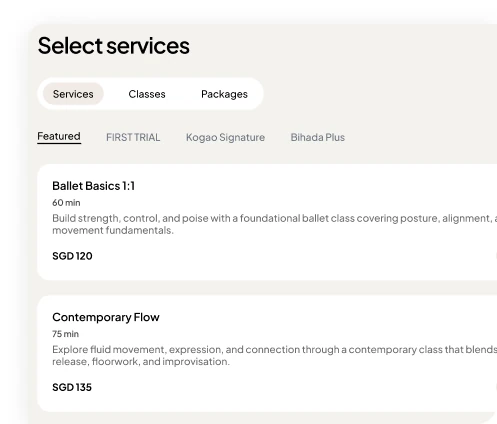
List each service with its duration, price and photo, so clients know what they’re booking before they pick a time.

  • Durations and prices on every service
  • Service photos
  • Fees and taxes shown clearly

Ask the right questions up front

Add your own questions to the booking form, and answer the common ones in a booking-page FAQ.

  • Custom booking form questions
  • A booking-page FAQ
  • Booking requests when no times are open
  • 24/7

    Bookings, day or night

  • 0%

    Transaction fees

  • 200

    Bookings free to start

What’s included on each plan

FeatureFreePro
Online booking pageIncludedIncluded
Logo and cover photoIncludedIncluded
Your own colours and themesNot includedIncluded
Custom booking domainNot includedIncluded
See full pricing

Frequently asked questions

Is the booking page free?
Yes. Every plan includes a booking page with your logo and cover photo. The Free plan covers your first 200 bookings.
Can I use my own domain?
Yes, on Pro. You can connect a custom booking domain and set your own colours and themes.
Can clients choose who they book with?
Yes. Clients pick who they’d like to see, or any available professional, then a time that suits them.

From the blog