Sign up with Google

Discount codes in a minute
Create a code, share it, and clients apply it when they book.
 Codes created under Payments
- Applied at booking
- The total updates for the client
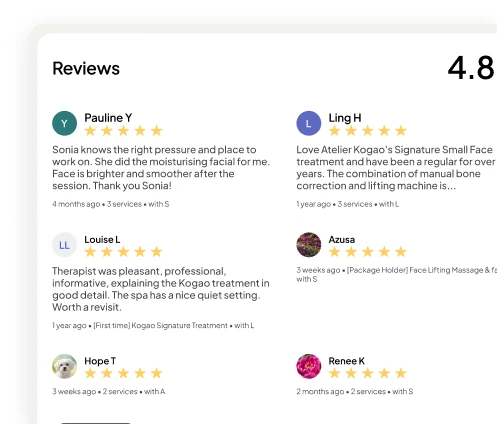
Run promotions with discount codes and collect reviews after every visit to show on your booking page.
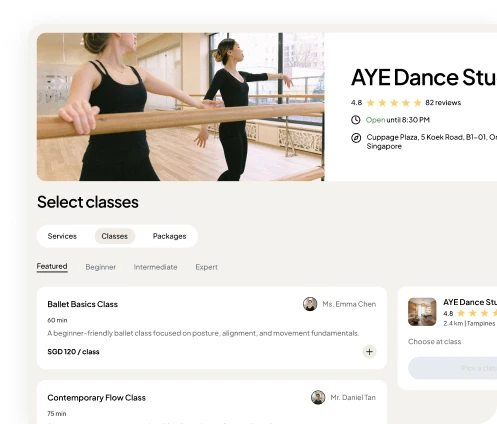
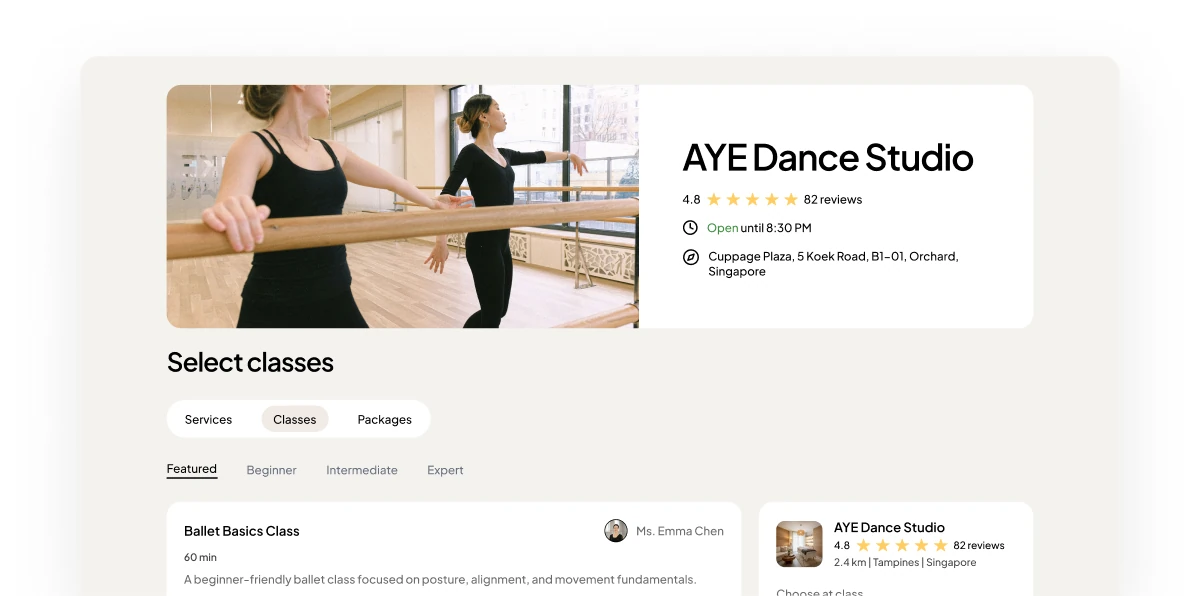
A public booking page with its star rating, a booking summary with a discount code applied, and a WELCOME10 code notice.
Create a code, share it, and clients apply it when they book.
Codes created under PaymentsApplied at bookingThe total updates for the clientClients can leave a review once their appointment is complete.
Post-appointment reviewsAn automatic thank-you emailAppointments marked complete for youYour rating and reviews show on your booking page, right where new clients decide.
A star rating on your pageReviews on your pageGoogle reviews on the roadmap1
Code to launch a promotion
0%
Transaction fees
24/7
Social proof on your page
 IncludedIncluded

The cheapest customer to win is the one you already have. Here is how to turn a single appointment into a steady rebooking habit that fills your quiet weeks.
6 min read ·
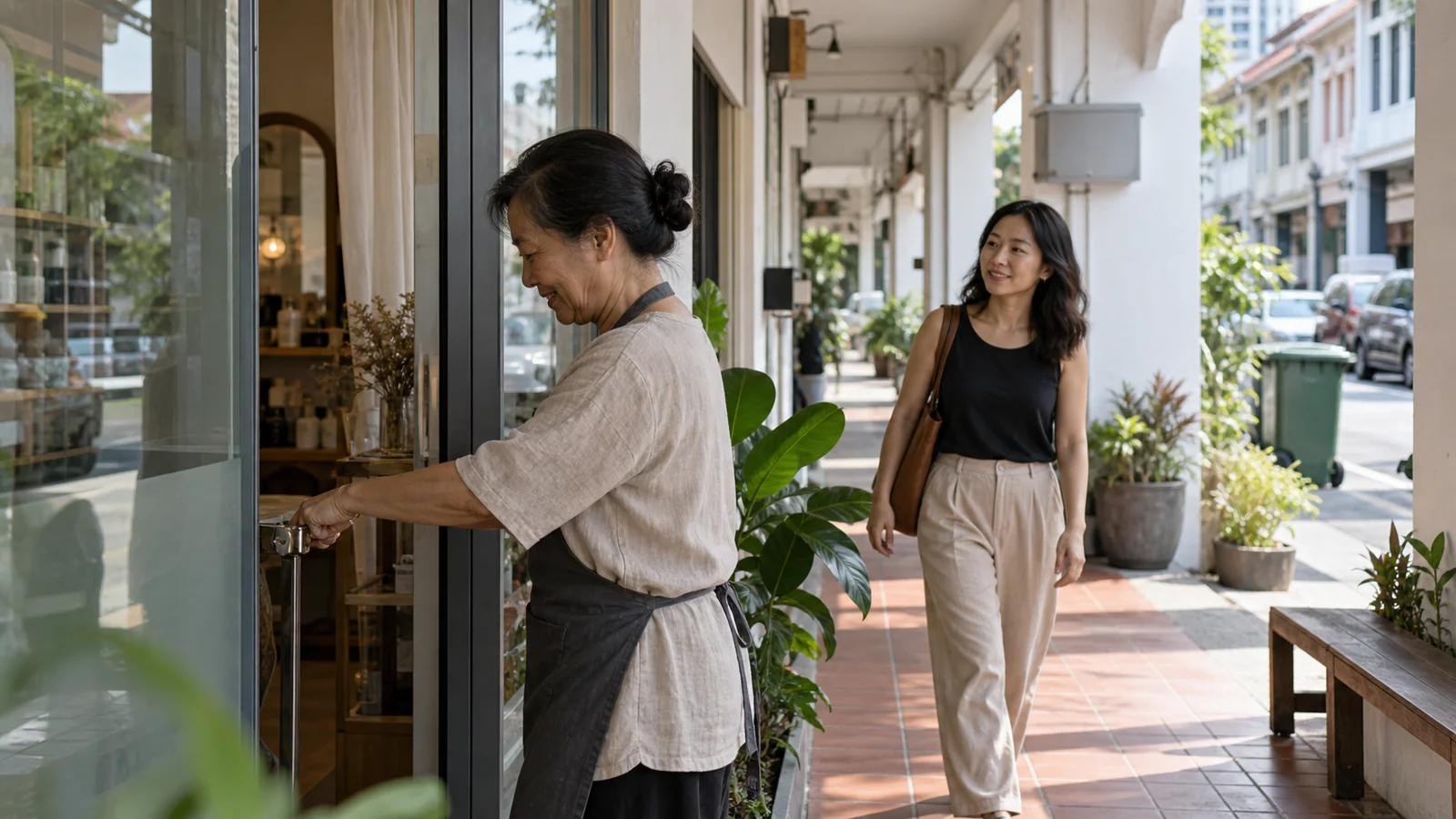
Step-by-step guide to adding a booking button to your Google Business Profile in Singapore. Turn Google Maps searches into confirmed appointments.
4 min read ·

Mobile-first design, clear pricing, staff photos, instant confirmation, and easy rescheduling—these essentials make or break your booking experience.
7 min read ·