 Sign up with Google


Reschedule and cancel online
Clients change or cancel their own bookings from the customer area, without messaging you.
 Reschedule in a few taps
- Cancel with a reason
- Changes show up in your calendar
Clients reschedule, cancel and rebook online, so you spend less time answering messages.
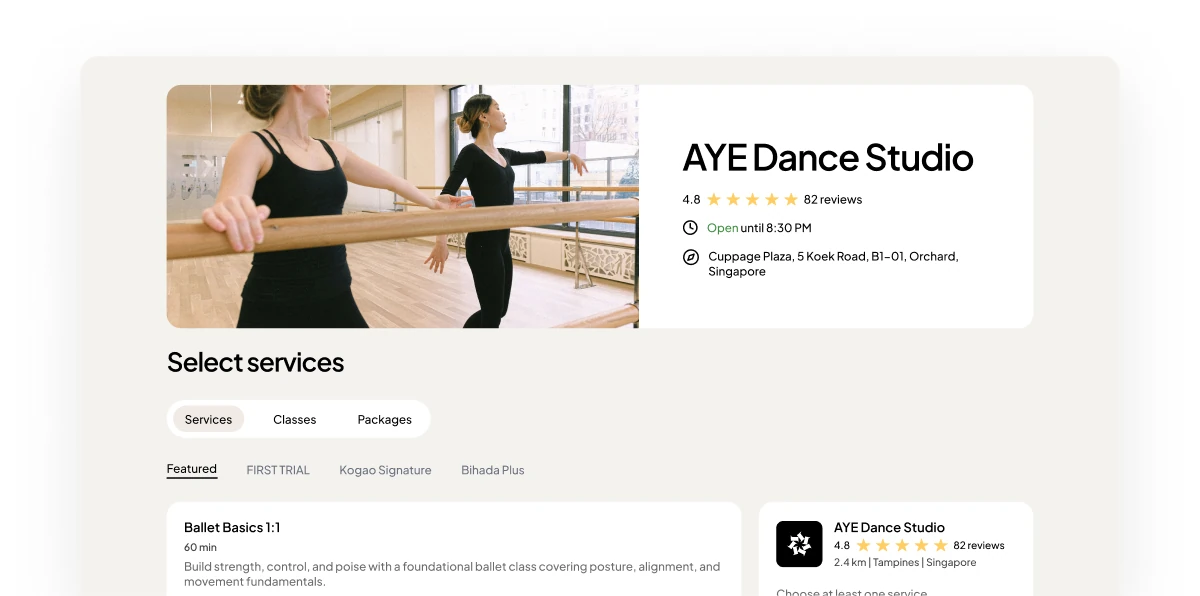
A business’s public booking page, with a client’s upcoming booking card offering Reschedule and Cancel, and a notice that the booking moved to a new time.
Clients change or cancel their own bookings from the customer area, without messaging you.
Reschedule in a few tapsCancel with a reasonChanges show up in your calendarPast appointments sit in the customer area, ready to book again.
Past visits in one placeBook the same service againNo account needed to make a bookingConfirmed appointments can be added to a client’s calendar, so they don’t forget.
Add-to-calendar buttons in booking emailsExport confirmed appointmentsAn email reminder 24 hours before24/7
Self-service for your clients
3
Things clients do themselves
0
Calls needed to move a booking
 IncludedIncludedIncluded

The cheapest customer to win is the one you already have. Here is how to turn a single appointment into a steady rebooking habit that fills your quiet weeks.
6 min read ·

Free, copy-and-paste cancellation policy templates for Singapore salons, clinics, and studios — plus where to display them so customers actually read the notice period before they book.
5 min read ·

Reminder fatigue does not reduce no-shows. Why one well-timed email and an easy cancellation beat pressure, and what booking software genuinely cannot fix.
7 min read ·

