Sign up with Google
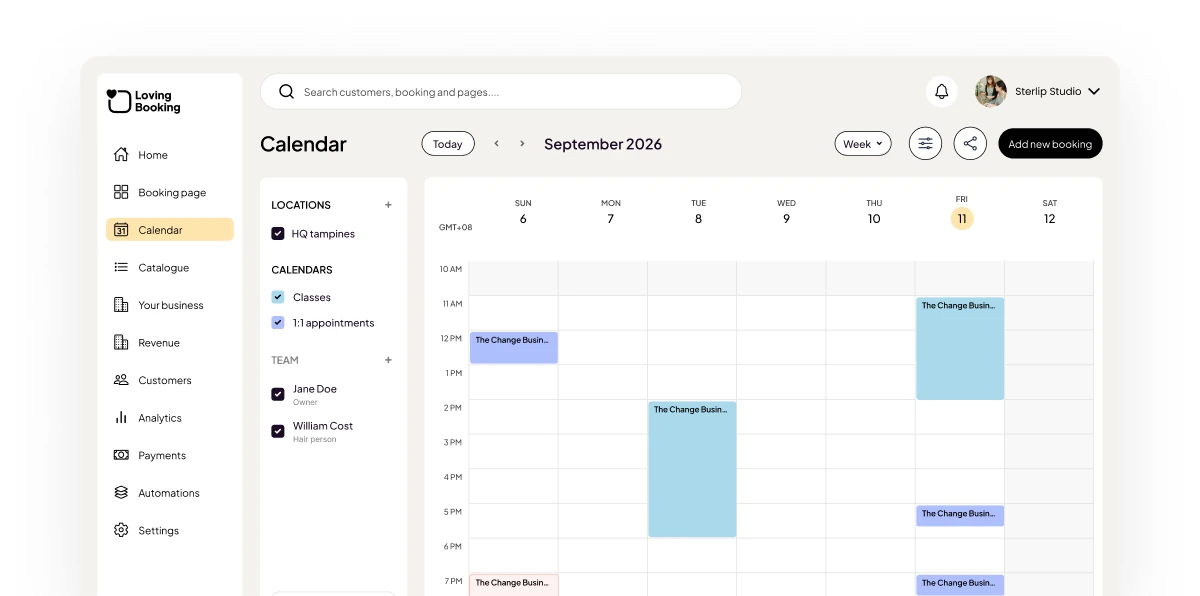


A column for every person
See the whole team side by side and spot gaps and clashes at a glance.
 Staff columns
- Filter by location, calendar or person
- Classes and appointments together
See every booking with a column for each person on your team, and drag to reschedule.
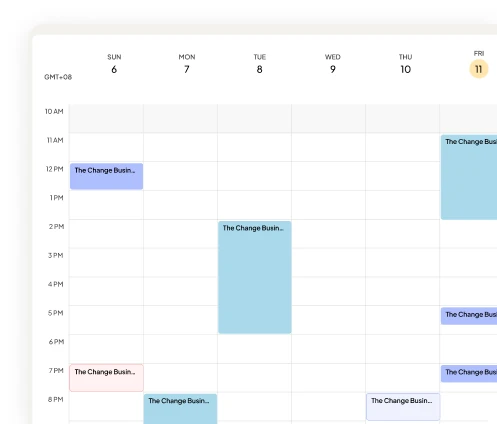
The LovingBooking week calendar, with a booking being dragged to another person’s column and a note that it moved to 2:30 PM.
See the whole team side by side and spot gaps and clashes at a glance.
Staff columnsFilter by location, calendar or personClasses and appointments togetherMove an appointment to a new time or a different person by dragging it, and add walk-ins on the spot.
Drag-and-drop reschedulingWalk-ins added from the dashboardAn audit timeline of changesConnect Google Calendar or Outlook and your busy times block those slots on your booking page.
Google Calendar syncOutlook syncCalendar subscription feeds1
Calendar for the whole team
2
Calendars synced
3
People included on every plan
 Included

Moving off the paper diary without losing a booking. A step-by-step migration for Singapore businesses, including how to run both in parallel.
7 min read ·

Colour processing gaps, double-bookings, and stylists on different hours. How a Singapore salon diary can hold all three without you refereeing it.
7 min read ·

Walk-in shops are not chaotic because the barbers are disorganised. How Singapore barber shops add online booking without losing the walk-in trade.
7 min read ·