From Paper Diary to Online Booking: A Small Business Migration Guide
Moving off the paper diary without losing a booking. A step-by-step migration for Singapore businesses, including how to run both in parallel.
LovingBooking Team
Updated 7 min read
In this article
- Nobody is asking you to throw away the book
- Pick a quiet week, and pick it on purpose
- Step one: your services and hours, before anything else
- Step two: bring your regulars across
- Step three: two books, one truth
- Step four: tell customers where they already look
- Step five: the ones who will never book online
- Closing the book
How to migrate from a paper diary to online booking
Move a small business from a paper appointment diary to an online booking page over about three weeks, without losing your client list or double-booking anyone.
Pick a quiet week on purpose
Find the flattest stretch in your next month and avoid your festive season, your own leave and any staff leave. Budget half an hour a day across three weeks rather than one long Sunday — migrations fail in the boring middle, not at the setup.
Enter your services and hours first
Add each service with its honest duration, price and any buffers for cleanup or turnaround, then set your real opening hours. Publish less availability that is true rather than more you will have to claw back. Check the minimum booking notice while you are there: it applies across the whole business and defaults to one hour.
Bring your client list across
Go to Clients then Import and upload a CSV of up to 5 MB and 5,000 rows. Only a name is required; email and phone are optional. Review the column matching and the flagged rows before you commit. Clients you already have are skipped by email or phone, so re-running the same file is safe. If your list is only on paper, import just the regulars you would notice missing and let everyone else create their own record as they book.
Run both books, with the screen as the truth
Keep taking phone bookings, but enter every one on the dashboard while the caller is still on the line rather than later. The system blocks overlapping appointments for the same staff member, but only for bookings it knows about — it cannot see your paper. Paper becomes a scratchpad you copy from, not a second source of truth.
Put the link where customers already look
Add your booking link to your Google Business Profile first, since that is where most searching actually happens, then your Instagram bio, your website button and your WhatsApp Business away message. Mention it on calls in one sentence without pushing it, and do not discount people onto the page.
Close the paper diary on a condition, not a date
When a full week passes with every paper booking also on the screen and nothing on the screen missing from paper, stop writing in the diary. Put the book in a drawer and leave it there for a month afterwards.
Nobody is asking you to throw away the book
The fear is rarely about software. It is about the object on the counter: years of your handwriting, the shorthand only you can read, the mobile numbers down the margins. Losing that would feel like losing the business.
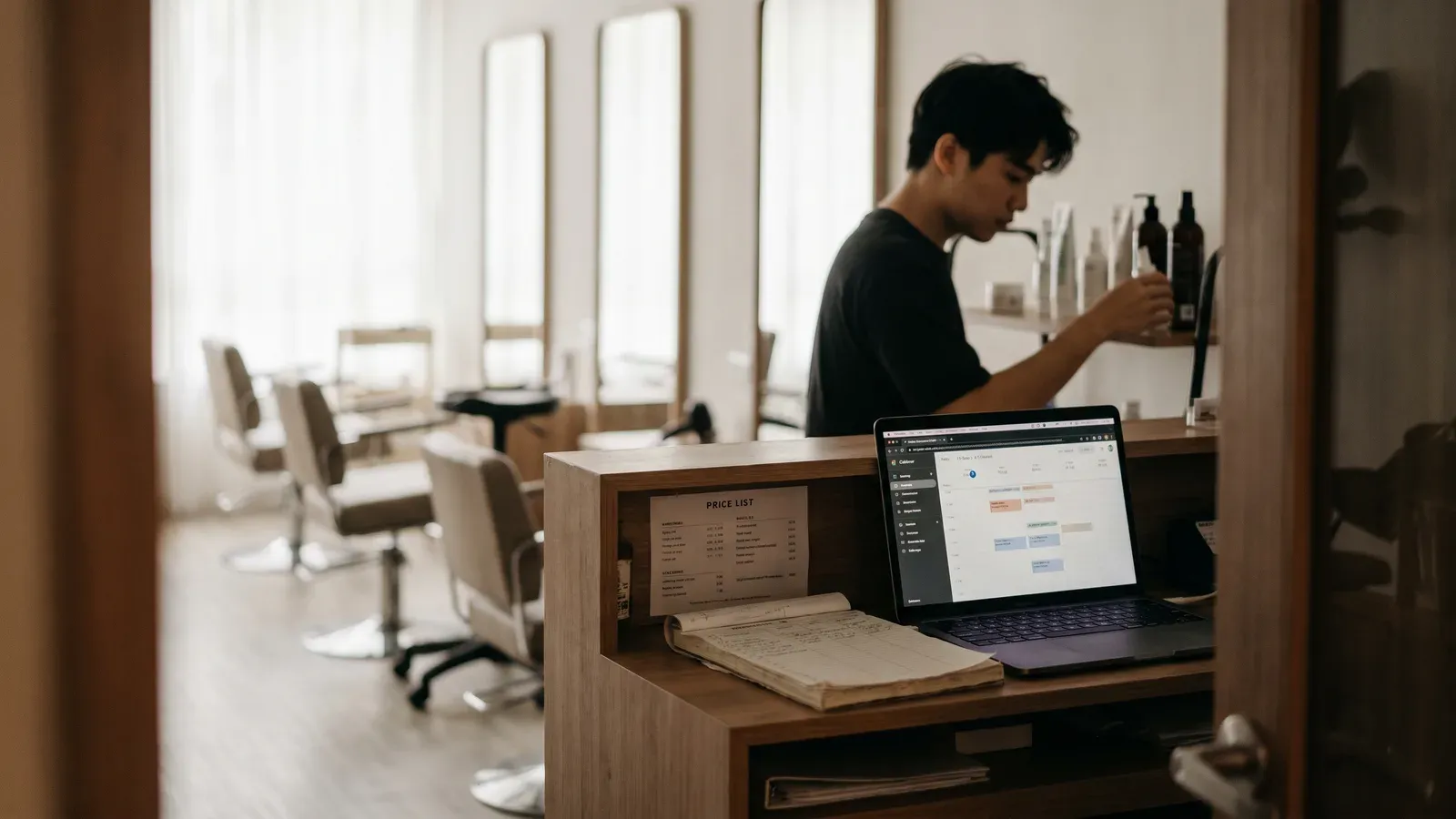
So start here. You are not throwing it away, in week one or ever. A migration is a stretch where both books exist and one slowly stops being needed. The paper diary stays on the counter throughout. It just gets quieter.
What actually moves across is smaller than you fear:
- Your client list — names, plus whatever emails and mobile numbers you have
- Your services — what you do, how long each takes, what it costs
- Your hours — when you are open, when you are not
Your appointment history, the pencil notes, the "no fringe" and the "always twenty minutes late" — none of that moves on its own, and no honest tool will tell you otherwise. Keep the book for that.
Pick a quiet week, and pick it on purpose
Not a quiet day. A week. The setup is an hour or two; the rest is small corrections you only notice while serving real customers.
Open your diary and find the flattest stretch in the next month. Whatever your busy season is — the fortnight before Chinese New Year, Hari Raya, Christmas — that is not the week to learn where the buttons are. Avoid a week you are away, or a week a staff member is on leave.
Then give yourself half an hour a day for three weeks, not one heroic Sunday. Migrations fail in the boring middle, not at the setup.
Bring your client list over in one CSV
Start freeStep one: your services and hours, before anything else
Do this before you touch your client list. Everything after depends on it.
Each service carries a name, a description, a duration and a price, plus buffers for cleanup or turnaround. Put in the honest duration, not the one on your price list. If a colour actually takes ninety minutes and you have written sixty for years, the software will cheerfully sell a sixty-minute slot, and you will spend the migration running late and blaming the app.
Same with your hours. Less availability that is true beats more you have to claw back.
Find your minimum booking notice early, meaning how close to an appointment someone can still book. It applies across the whole business and defaults to an hour; raise it if you need prep time. What belongs on a booking page covers the rest of the setup.
Step two: bring your regulars across
This is where most people freeze, and it is the easiest part.
If your list already lives somewhere — an Excel sheet, a Google Sheet, an export from another booking system — bring it in as a CSV at Clients → Import. Four steps: choose the file, match the columns, review, done. It reads your header row, guesses which column is which, and lets you correct every guess before anything is written.
| What it does | What it does not do |
|---|---|
| Reads a .csv file, up to 5 MB and 5,000 rows | Read Excel .xlsx files — save as CSV first |
| Requires a name; email and phone are both optional | Import appointment history, spend, or your notes |
| Flags missing names, bad emails and in-file duplicates | Overwrite anyone — nothing you have is touched |
| Skips rows matching a client you already have, by email or phone | Create a second copy if you run the same file twice |
That last row is the one that matters when you are nervous. If you are unsure whether an import worked, run it again and read the count.
If your list is only on paper, you have three options and the third is the one people miss:
- Type it into a spreadsheet — three columns, name, email, phone — and import that
- Add clients one at a time from the Clients page as you go
- Import nobody. Anyone who books online creates their own record the first time they book
Option three is legitimate. The import is for the regulars you would notice missing: the twenty or forty whose names you already know. Bring those and let the rest arrive on their own.
Step three: two books, one truth
This is the part that actually goes wrong, so read it twice.
For a couple of weeks both a paper diary and a screen will contain bookings. The system will not let two appointments overlap for the same staff member: it checks, it warns you, and the database refuses the clash outright. But it can only do that for bookings it knows about. It cannot see your paper.
So the failure looks like this. A regular calls, you write her in the book, and you do not enter her on the screen because you are busy. That evening someone books the same slot online, and the software is right to offer it, because as far as it knows the slot is empty. Now two people are coming at three o'clock.
The rule that prevents it is one line long: the screen is the book now. Every phone booking gets entered while the person is still on the line, not later. You need a service, a staff member, a location and a start time, and you can add the client as you go. Paper becomes a scratchpad you copy from, not a second source of truth.
Two things worth knowing before you start typing:
- Bookings you enter yourself get the same confirmation and the same reminder as the ones customers make themselves — as long as that client record has an email address on it. A client with no email gets no reminder, exactly as today.
- On the free plan, your first 200 bookings include the ones you type in, counted as soon as you enter them, whenever the appointment happens. Backfilling a year of forward bookings in one afternoon can eat a large share of the allowance. If your book runs deep, migrate forward: enter the next few weeks and let the rest arrive as you go.
Step four: tell customers where they already look
Not an announcement. A link, in the places they already look for you.
Start with your Google Business Profile, because for most Singapore small businesses that is where the searching happens. Then the Instagram bio, the website button, the WhatsApp Business away message.
On the phone, one sentence does it: "I have got you down for Thursday at three. I will send you a link if you ever want to book yourself, no rush."
Resist the urge to discount people onto the booking page. It teaches customers that online is where the cheap prices are, and you will pay for that forever to buy a habit they would have formed anyway.
Step five: the ones who will never book online
Some of your regulars never will. The one who has called every six weeks for a decade is not going to tap through a booking page, and no nudging will change that.
You keep taking her call. You write her in — on the screen now, while she is on the line. She never has to know the software exists.
That is not the migration failing. The goal was never that everybody books online. It is that the schedule lives in one place you can check from your phone late at night, that your staff see the same one, and that the people who would rather book at eleven at night can.
Closing the book
Do not set a date to stop using paper. Set a condition.
When a full week goes by where every booking on paper is also on the screen, and nothing on the screen is missing from paper, stop writing in the diary. Not before.
Then put the book in a drawer and leave it there for a month. It costs nothing to keep, and the first time you need to look up what you charged someone in March, you will be glad it is there.
Set up your booking page. Free covers your first 200 bookings, for up to 3 people and 1 location, at no cost, which is enough to run a real migration week against a real diary.
Bring your client list over in one CSV
Import up to 5,000 clients from a spreadsheet, correct the column matching yourself, and let it skip anyone you already have. Free covers your first 200 bookings, for up to 3 people and 1 location, at no cost.
Start for freeFree to start · No credit card
Frequently asked questions
Will I lose my existing bookings if I move online?
Will I lose my existing bookings if I move online?
No. Nothing on paper is touched, and nothing is imported or deleted automatically. Your existing appointments stay exactly where they are until you either enter them yourself or they simply happen. Most owners never backfill the past at all — they enter what is still coming and let the old pages age out naturally.
Can I import my client list from a spreadsheet?
Can I import my client list from a spreadsheet?
Yes. Clients → Import takes a CSV file of up to 5 MB and 5,000 rows at a time. It reads your header row and guesses which column is the name, the email and the phone, and you can correct every guess before anything is saved. Only a name is required; email and phone are both optional. If your list is in Excel, save it as CSV first. It brings names, emails and phone numbers only — not appointment history, spend or your own notes.
What happens if I import the same file twice by mistake?
What happens if I import the same file twice by mistake?
Nothing bad. Rows that match a client you already have — same email or same phone — are skipped rather than added again, and you will see the skipped count on the result screen. Nothing you already have is overwritten. If you are not sure whether an import went through, it is safe to run it again and read the numbers.
Can I still take bookings over the phone?
Can I still take bookings over the phone?
Yes, and you should keep taking them. Enter the booking from your dashboard while the customer is still on the line: pick the service, the staff member, the location and the time, and add the client as you go. They get the same confirmation email and the same reminder as someone who booked online themselves, provided that client record has an email address on it.
How long should I run paper and online at the same time?
How long should I run paper and online at the same time?
About two weeks is typical, but treat it as a condition rather than a date. When a full week passes where every booking written on paper is also on the screen, and nothing on the screen is missing from paper, stop writing in the diary. Then keep the book in a drawer for another month — it costs nothing, and you will want it the first time you need to look something up.
Do bookings I enter myself count towards the free plan limit?
Do bookings I enter myself count towards the free plan limit?
Yes. The free plan covers your first 200 bookings, and that includes the ones you type in yourself. They count as soon as you enter them, whenever the appointment happens — so backfilling many months of forward bookings in one sitting can eat a large share of the allowance in an afternoon. If your book runs deep, migrate forward: enter the next two or three weeks and let the rest arrive as you go.