


Skip to content

Multi-location booking from one account

Run every venue from a single login and let clients choose the location that suits them.

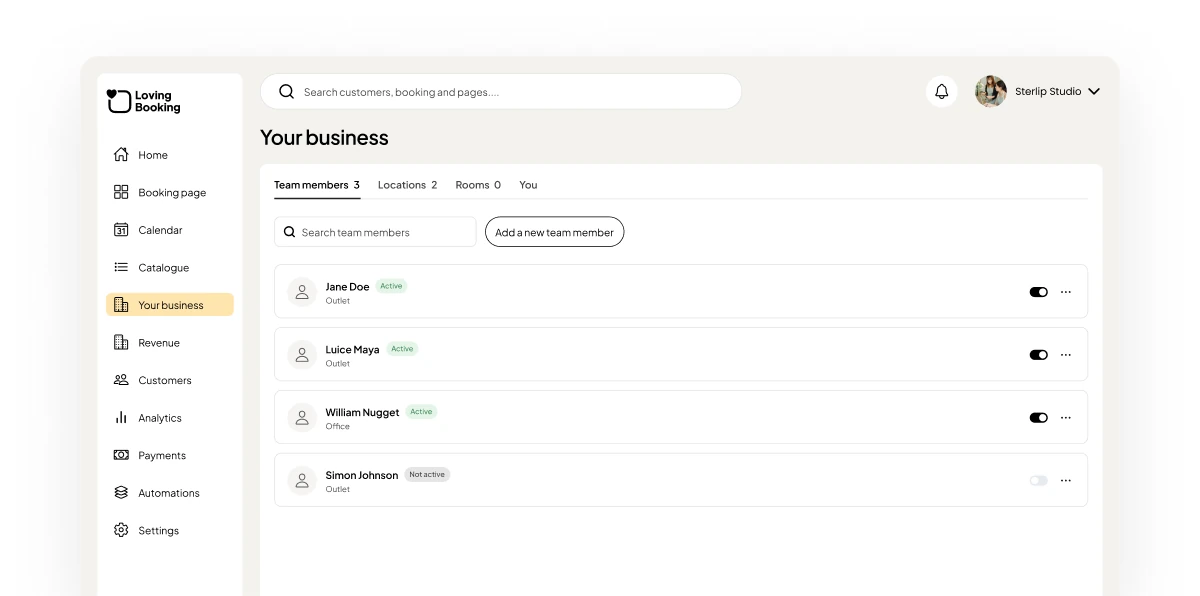
The LovingBooking console’s business settings, between two booking pages from different venues.

Grow without juggling logins

Pro

Every location on your booking page

Clients choose the branch that suits them, then pick a service and a time there.

  • A location step on your booking page
  • Unlimited locations on Pro
  • 1 location on Free

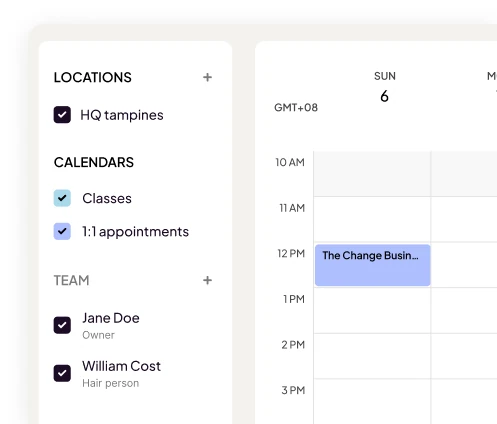
Your team, where they work

Assign people to locations, so clients see who’s available at each one.

  • Team assigned by location
  • Calendar filtered by location
  • Travel and online service options
Pro

More than one business

Run several businesses under one login. Someone who works in two of them counts once on your plan.

  • Several businesses, one login
  • One subscription covers them all
  • People counted once
  • 1

    Login for every venue

  • 1

    Booking page for every location

  • Free

    To start with one location

What’s included on each plan

FeatureFreePro
Locations1Unlimited
Several businesses from one loginNot includedIncluded
Bookable peopleUp to 33 included, then per person
See full pricing

Frequently asked questions

How many locations can I have?
Free includes 1 location. Pro has no limit on locations.
Can I run separate businesses?
Yes, on Pro. Run several businesses from one login. One bill covers all your businesses.
Does someone working in two businesses count twice?
No. A person who works in more than one of your businesses counts once on your plan.

From the blog