Sign up with Google


Google Calendar and Outlook
Connect your calendar and bookings appear in it, while your busy times block new bookings.
 Bookings sync to your calendar
- Busy times block booking
- Included on every plan
Bookings appear in the calendar you already use, your busy times block new bookings, and online sessions get a Zoom link.
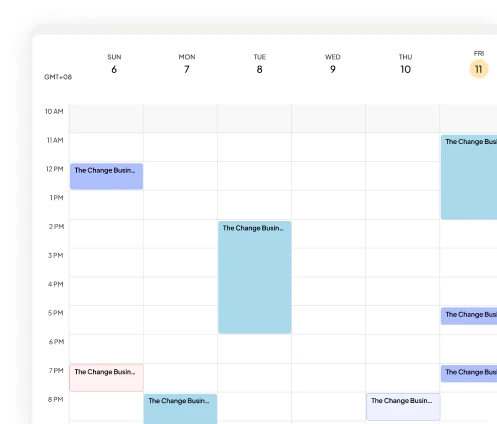
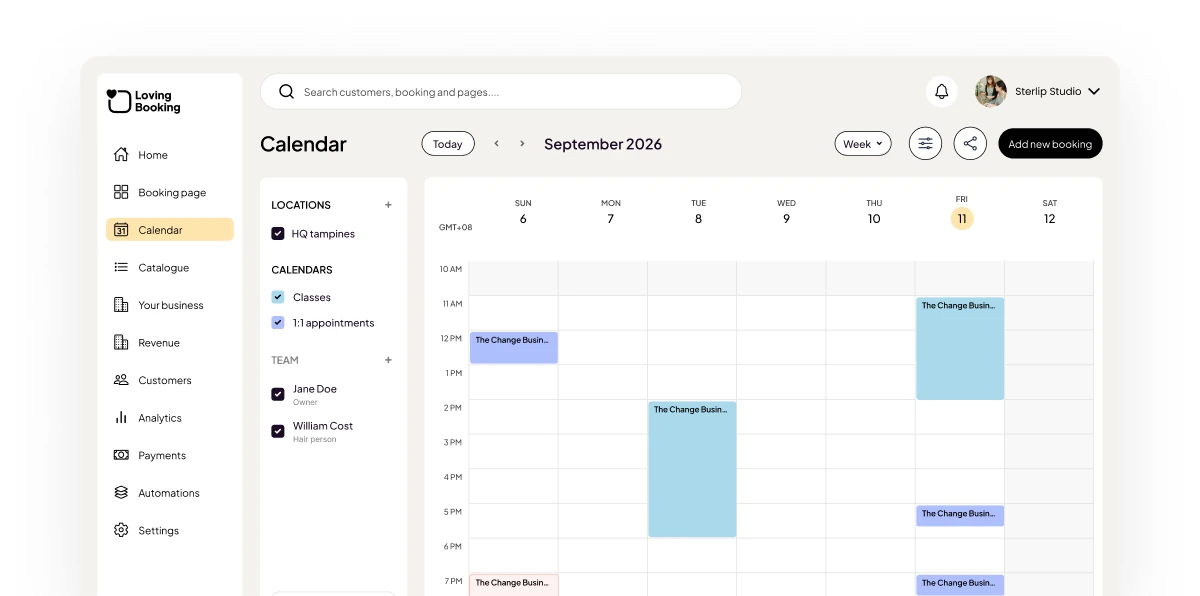
The LovingBooking calendar’s week view, with the Google Calendar, Outlook and Zoom integrations beside it.
Connect your calendar and bookings appear in it, while your busy times block new bookings.
Bookings sync to your calendarBusy times block bookingIncluded on every planOnline bookings get a Zoom link automatically, sent with the confirmation.
An automatic Zoom linkFor the services you run onlineSent with the bookingSubscribe to a calendar feed, and every booking email carries a calendar attachment for the client.
Calendar subscription feedsCalendar attachments in emailsWorks with any calendar app3
Integrations
Free
Calendar sync on every plan
0
Meeting links to paste by hand
 IncludedIncluded
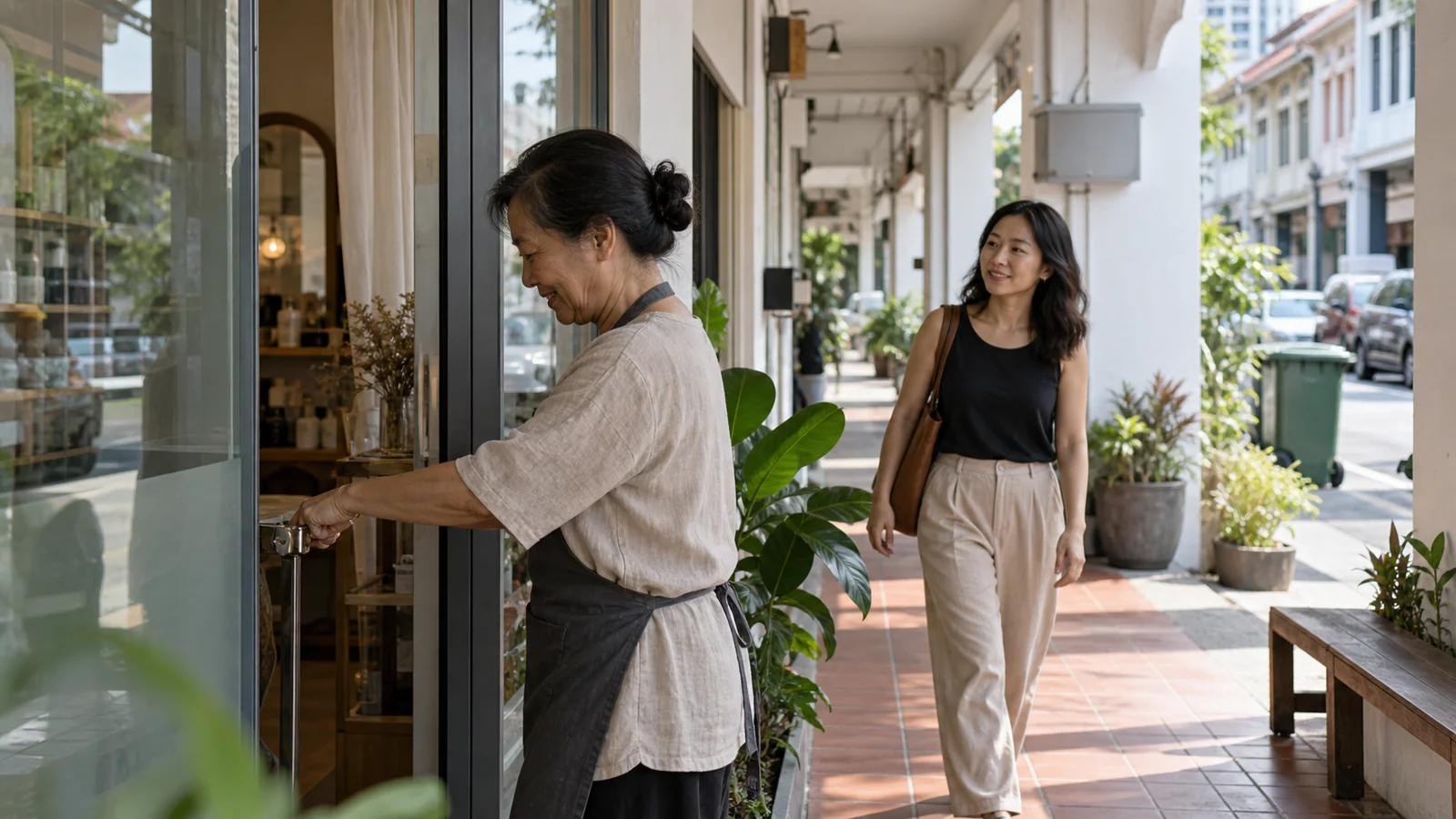
Step-by-step guide to adding a booking button to your Google Business Profile in Singapore. Turn Google Maps searches into confirmed appointments.
4 min read ·

Email ping-pong over times costs you the meeting. What a booking page does for a Singapore consultant, including the places Calendly still does it better.
8 min read ·
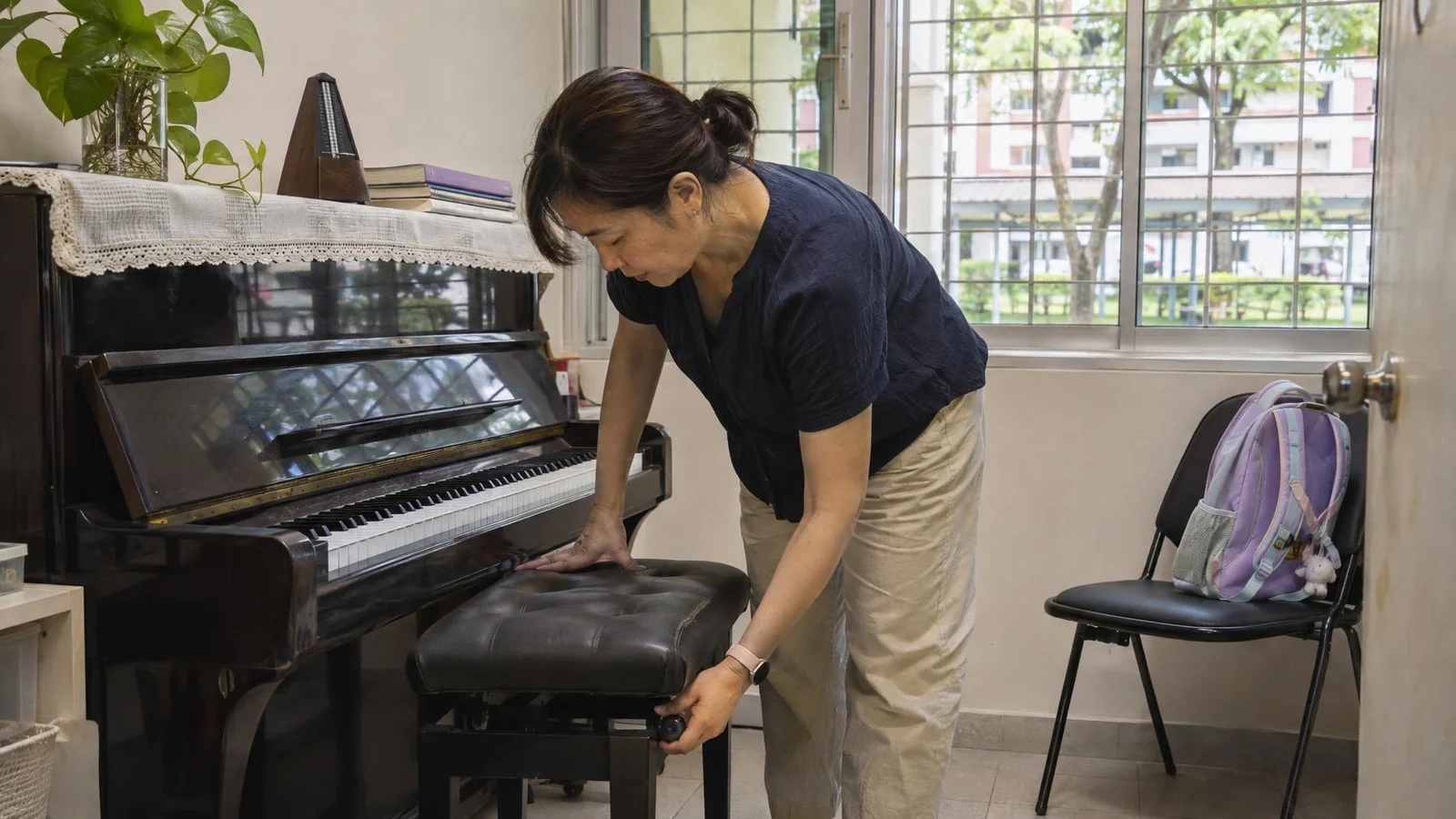
How to choose an online booking system for your Singapore small business: what to look for, from PayNow to each person’s own schedule, then how to set it up and go live in under 10 minutes.
7 min read ·